How to Compare Two Versions of Text Like a Pro (Without Losing Track of Changes)
Trying to eyeball differences between two drafts is a recipe for missed edits. Here’s how to compare text cleanly, whether it’s an email, contract, blog post, or code snippet.
Why manual comparison fails
- Small but crucial edits hide inside long paragraphs.
- Formatting changes distract from wording changes.
- Humans miss numbers, dates, and negations (“not”) when skimming.
Comparison options
- Google Docs suggestion mode / Word track changes: Great for live collaboration but noisy for quick one-offs.
- Git diff / VS Code diff: Powerful for code, but overkill for non-devs.
- Lightweight web diff: Fastest for pasted text—this is where TiniText Text Diff shines.
How to run a clean diff (fast)
- Copy version A and version B.
- Open TiniText Text Diff and paste both.
- Choose inline or side-by-side view.
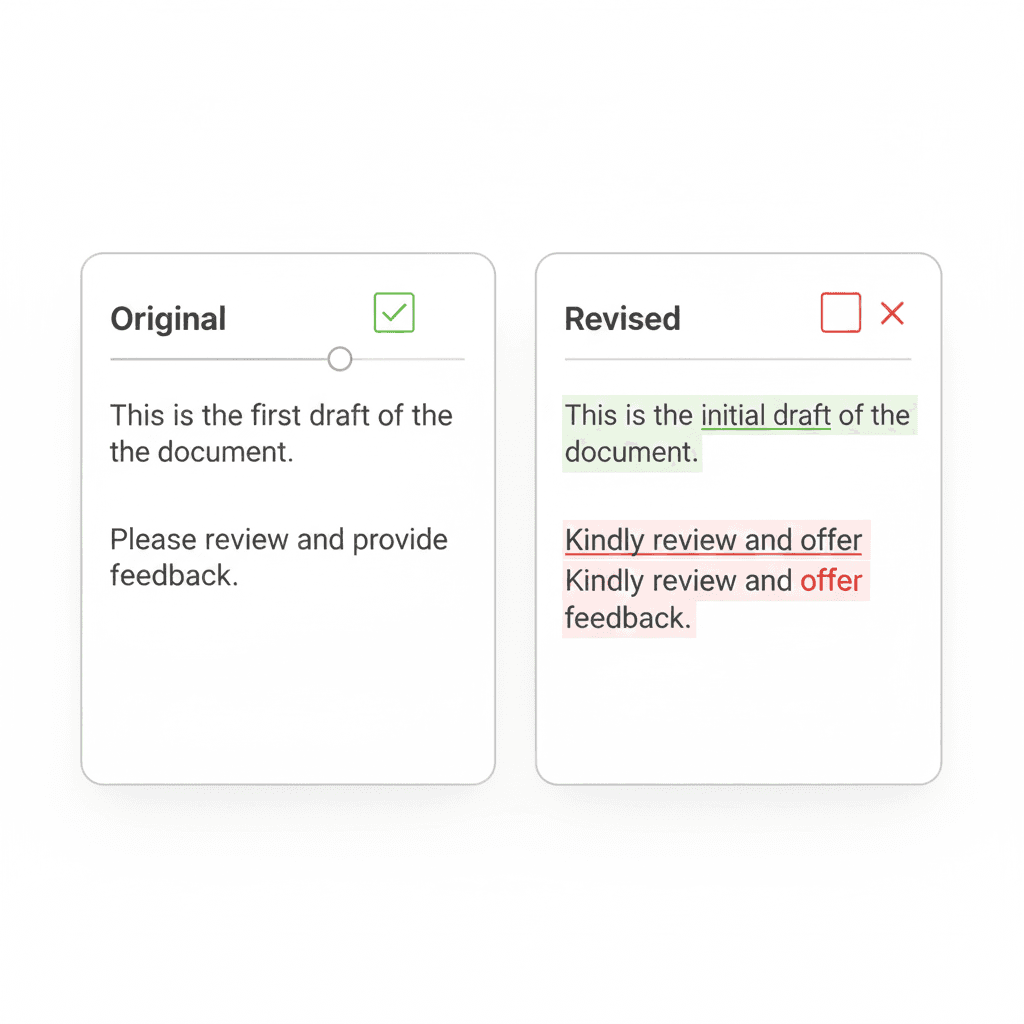
- Scan highlights: green = added, red = removed.
- Copy the merged text if you need a final version.
Example: comparing two email drafts
- Version A: a polite request with no deadline.
- Version B: adds a due date, changes tone.
- In diff view, you instantly see the new deadline and any tone shifts.
Example: contracts or T&C updates
- Paste the old terms on the left, new terms on the right.
- Look for dates, numbers, scope changes, or new clauses.
- Export the highlighted diff for stakeholders.
Example: code or config
- Short snippets paste well into the diff.
- Spot toggled flags, renamed variables, or changed URLs.
Tip: After heavy edits, run Text Cleaner to remove trailing spaces before diffing. Cleaner input makes the highlights more meaningful.
Avoid common mistakes
- Compare the latest versions (label your files).
- Normalize line breaks and casing before diffing.
- Save the diff output as evidence of changes for approvals.
How TiniText fits
- Text Diff: instant highlights, no account needed.
- Word Counter: check if the update made a section too long.
- Remove Line Breaks: repair pasted text before diffing.
Tools that pair well
- Google Docs / Word for tracked changes when collaborating.
- VS Code for codebases.
- Notion for storing version notes.